Table of Content
- How to reset any Google Home device to its factory settings, if it's malfunctioning or you're planning to sell it
- How to Change Google Home Voice and Accent
- Can You Change the Wake Word on a Google Home? Nope!
- If I change Google Home’s language, voice and accent, can I change them back to default settings in the future?
- How to get a celebrity’s voice to talk to you on Google Home devices
- The Best Shower Speakers
Knowing how to change the voice for Google Home gives you more options to fully personalize your smart devices. These technological marvels offer not only convenience, but the chance to immerse yourself in that hi-tech aesthetic. This article will discuss Google assistant’s wake words and teach you a few tricks along the way. First, you’ll need to train Google Home to recognize your voice. After the device recognizes your voice, then you’ll use voice commands to set your voice preference so it will respond to the sound of your voice with the one you have chosen. This ability gives you and your household endless flexibility when it comes to personalizing your Google Home.
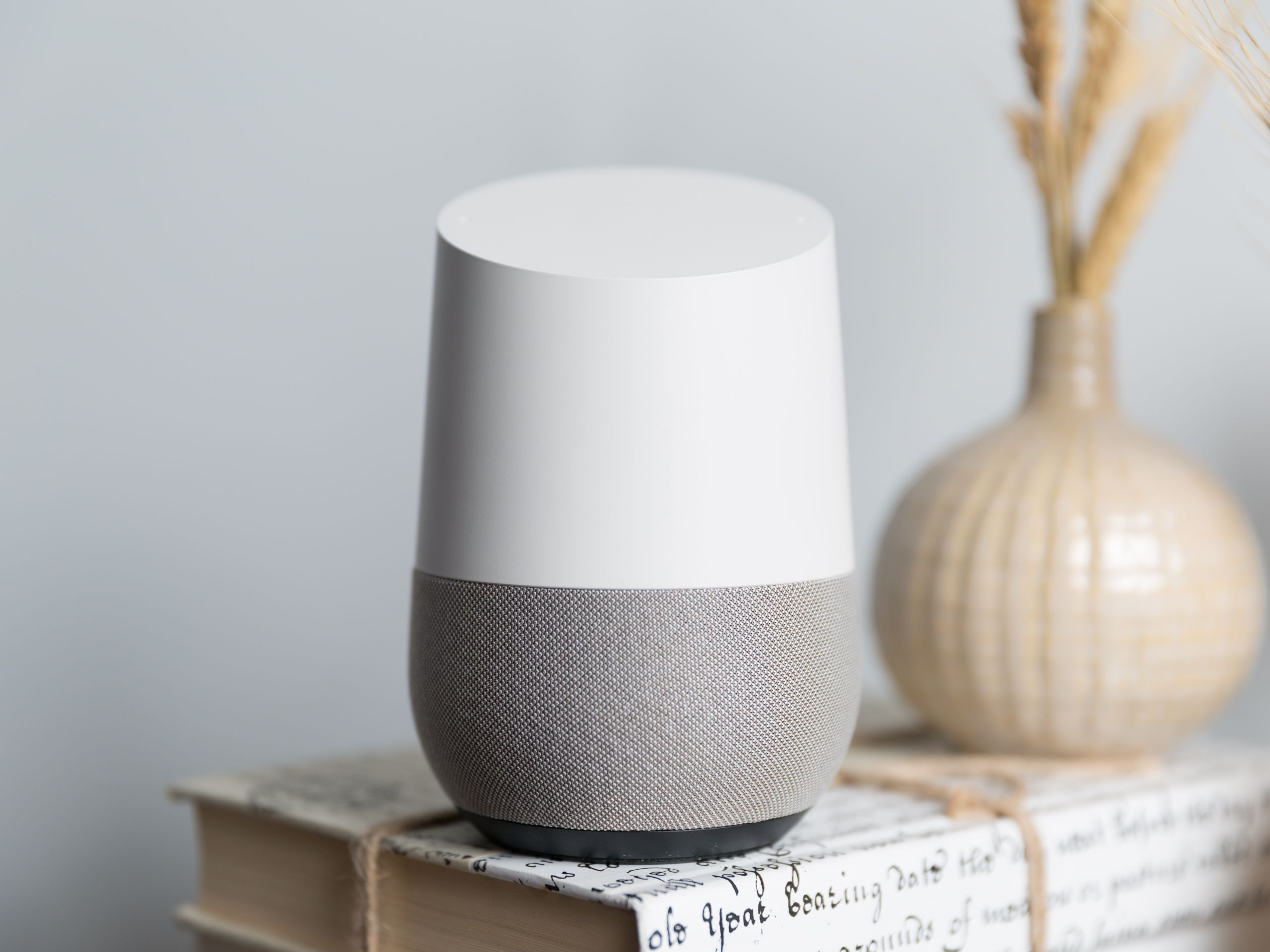
However, don’t be disappointed that you can’t change your Google Assistant’s wake word. Luckily, you can change its voice and accent, so you don’t have to listen to the same old tone every day. There are a number of options to help you make Google Assistant fun and interesting.
How to reset any Google Home device to its factory settings, if it's malfunctioning or you're planning to sell it
Although Google Assistant used to be able to melt your heart by responding in the silky-smooth voice of John Legend, this option lasted for only a year. Released in April 2019, John Legend’s voice was removed from Google Assistant celebrity voices in late March 2020. When choosing a voice for your Google Assistant, besides the many color-coded options, you can choose the grey color as well. This one stands for the “Cameo” voice and it allows you to use a celebrity voice that’s currently available.
The range of Google Assistant voices varies from male to female and soft to deep. From these voices, only the two original male and female voices were actually human. The rest of the available voices are totally computer-generated. Note though that the entire range of voices is limited to users in the US and that to use them, they have to set their device language to English .
How to Change Google Home Voice and Accent
It's easy to change your Google Home's voice on the app, or by using a celebrity command. Is Tony Stark’s (Iron Man’s) assistant in the Marvel comic book and movie franchise. It’s short for “Just a Rather Very Intelligent System.” Hence, it’s no wonder many users ask whether it’s possible to change their Google Voice to Jarvis.

Unless Google decides to release an update, you can either change your OS Language to English or settle for the default Google Home voice pack. • Look for English from the list of available dialects. If English isn’t an available choice, tap on Add a Language, then install English . There are multiple reasons why Google feels those current wake words are enough at the moment.
Can You Change the Wake Word on a Google Home? Nope!
You can change the sound of Google Assistant’s voice. When you change the voice setting, it will apply to all of your Google Assistant devices. Open the Assistant app on iOS or launch it on Android by long-pressing the home button. Tap your profile picture in the top right corner, then tap the Assistant tab. From there follow the instructions above to change the voice.

Google Home users in the U.S. can also change the accent of their Google Home assistant. Assuming you still want to interact with Google Home in English, select one of the dialects that appear in Google Home app. The settings for the Google Home Assistant voice will also apply to the Google Home Hub. In fact, it will apply to all Google Home or Nest devices that are connected to the Google Home app. Please keep in mind that the languages available on your device may vary based on both what Google Nest device you have and what region you are in. You will have to check your settings to find out specifically what’s available to you.
If I change Google Home’s language, voice and accent, can I change them back to default settings in the future?
You can pick between several male and female voices, including ones with accents. However, building the device involves a rather lengthy procedure, which might be a bit cumbersome for non-technical Google Home users. Hopefully, Google will at soon implement an update to facilitate wake word customization. Besides allowing you to customize your Google Home wake word, it also enhances privacy in your smart home.
He has reviewed smartphones for Pocketnow and Android Authority and loves building stuff on his YouTube channel, MOD. He has a dangerous obsession with coffee and is afraid of free time. They will simply need to download the app on their devices and just like you did, go to ‘Voice Match’ so as to initiate the training. The files are known as APKs and they contain lines of code hinting at possible future features.
Considering that Google Assistant personalizes most things to suit your preferences, it would be great if yours could sound different from all others, right? Unfortunately, getting a completely personalized experience is still a little far-fetched. A second reason could have to do with the fact that these wake words do not interfere with real-life identities. The names of Google Assistant competitors are real-life names and you might have someone in your household going by those names. But Hey Google and OK Google would never cause confusion. At this point, these are the only two words you can use to wake your Google Assistant.
You now have 10 voices to pick from, including one with a British accent and another with an Australian intonation. Do you know of other ways on how to change the voice on Google Home? Once set up, you should now be able to change Google Home’s speaking voice. If your OS is already in English and you still can’t change it then it may be because of a bug.
You will find below the steps to change Google Home Voice and Accent. It’s important to note that these settings only affect your media and Google Assistant. For example, if you’ve muted the device, you’ve actually muted the media. Google Assistant will speak at a minimum level, while there will be no changes to the alarms and timers you’ve set. Depending on your preferences and proximity, you can change the volume using your voice, within the Google Home app, or by touching the device. To choose a kid-friendly voice for Google Assistant, you'll need an Assistant-enabled device set up with a child’s Google Account.

For instance, you can ask Google Assistant to turn on or off the lights or adjust the temperature in your home. You can easily browse through the available apps on your smartphone and your PC with a simple explore button. In the Settings menu, scroll down to "Google Assistant Services" and tap "More settings" at the bottom of that list. It's even possible to change your Google Home's voice to the real voices of celebrities like John Legend or Issa Rae.